
Documentation
API Keys in the NexoRouter documentation.
API Keys
Status: Stable dashboard workflow.
An API key is the credential your app or tool uses to call NexoRouter. Treat it like a password.
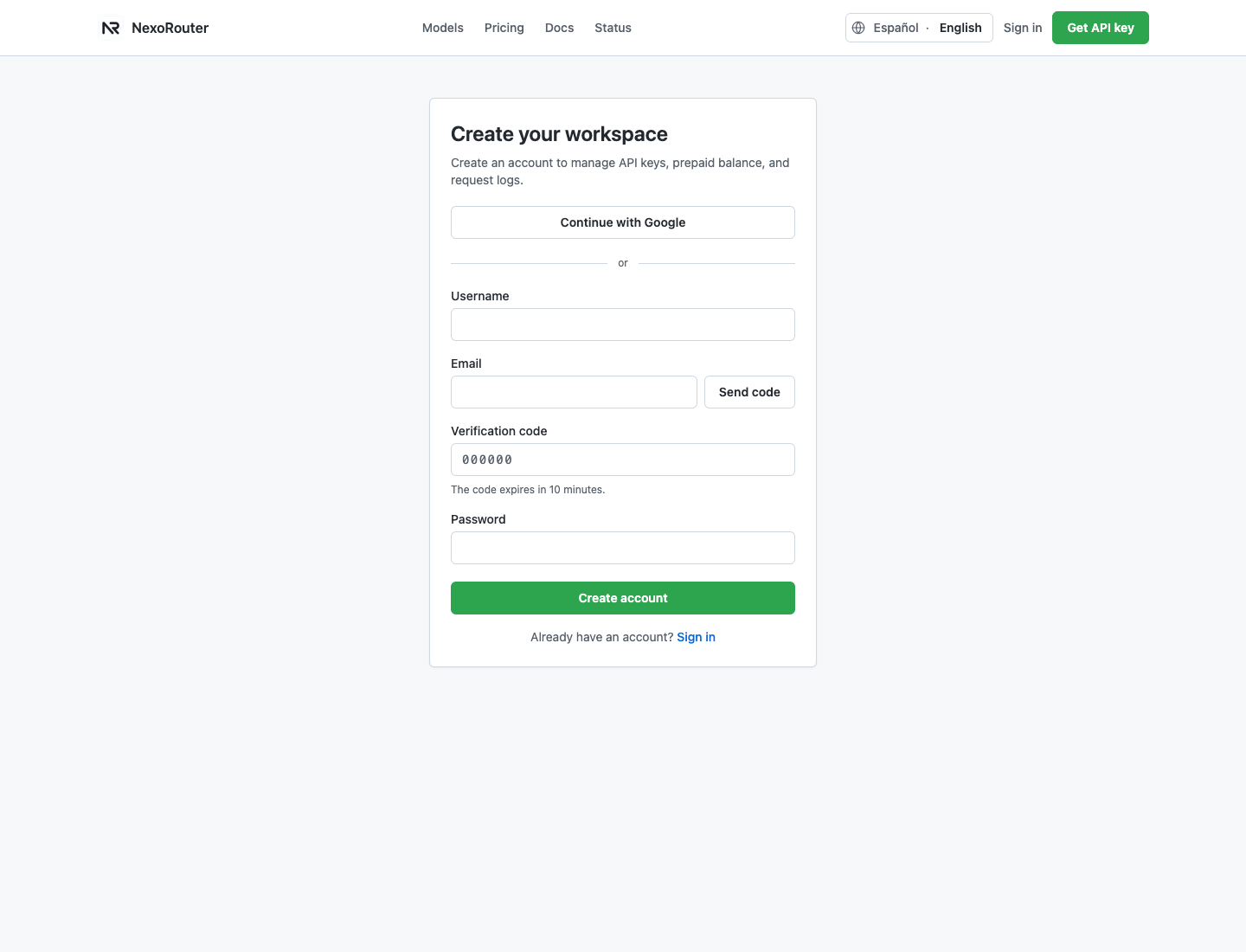
Recommended key workflow
- Create an account or sign in.
- Open API Keys.
- Create one key per app, environment, or tool.
- Set a budget when the key is for a test, a tool, or a teammate.
- Set model scope when the key should only call specific models.
- Copy the key from the one-time creation dialog and store it in a secret manager.
- Revoke leaked or unused keys.
The full secret appears only in the creation dialog and is masked by default. After you confirm that it is saved and close the dialog, NexoRouter keeps only a masked identifier in the dashboard. The full secret cannot be revealed again. If it is lost, create a replacement and revoke the old key.
Header format
Authorization: Bearer YOUR_NEXOROUTER_API_KEYSafe naming
Use names that make rotation easy:
production-api
staging-api
cline-local
dify-workspace
open-webui-lab
Verification
After creating a key, send a tiny chat/completions request and check Usage Logs. If the key never appears in logs, the request did not reach NexoRouter with that key.